



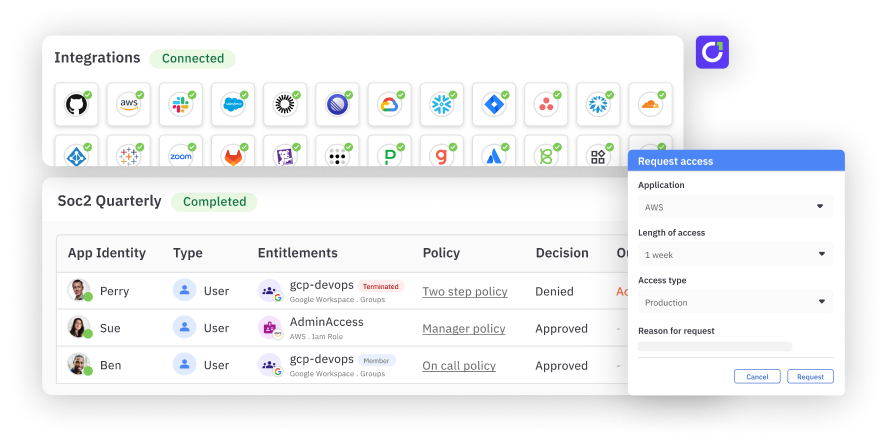
The C1.ai data model underpins all of the automation and orchestration of access controls, so it has to be robust enough to understand any app, resource, and fine-grained entitlement. Today we’re announcing the ability to control access – for those who control access! To be more clear, you can now monitor, review, and request fine-grained entitlements for the C1.ai app, in the C1.ai app.
Roles in C1.ai#
Your end users might use C1.ai for requesting access, some may use it during an access review campaign, and a select few will be deeper into the administrative functionality. C1.ai now surfaces these roles like any other entitlement. Roles include basic user, access request admin, campaign admin, integration admin, and super admin – each exposing the user to only the functionality they require.
Control access to the tool that controls access#
The ability to surface these entitlements in C1.ai gives you the power to monitor who has the “keys to the castle”. You can add C1.ai roles to an access review campaign to audit whether users have the appropriate level of permissions in the app – and who has super admin access to all of the C1.ai access control functionality. You can also easily allow users to request new C1.ai roles by adding them to request catalogs and bundles.
Learn more about using controlling access to C1.ai in our docs.